# Introduction
The website is built on Drupal CMS. Most of your work will be done in 'Content' section of the backend.
# Login
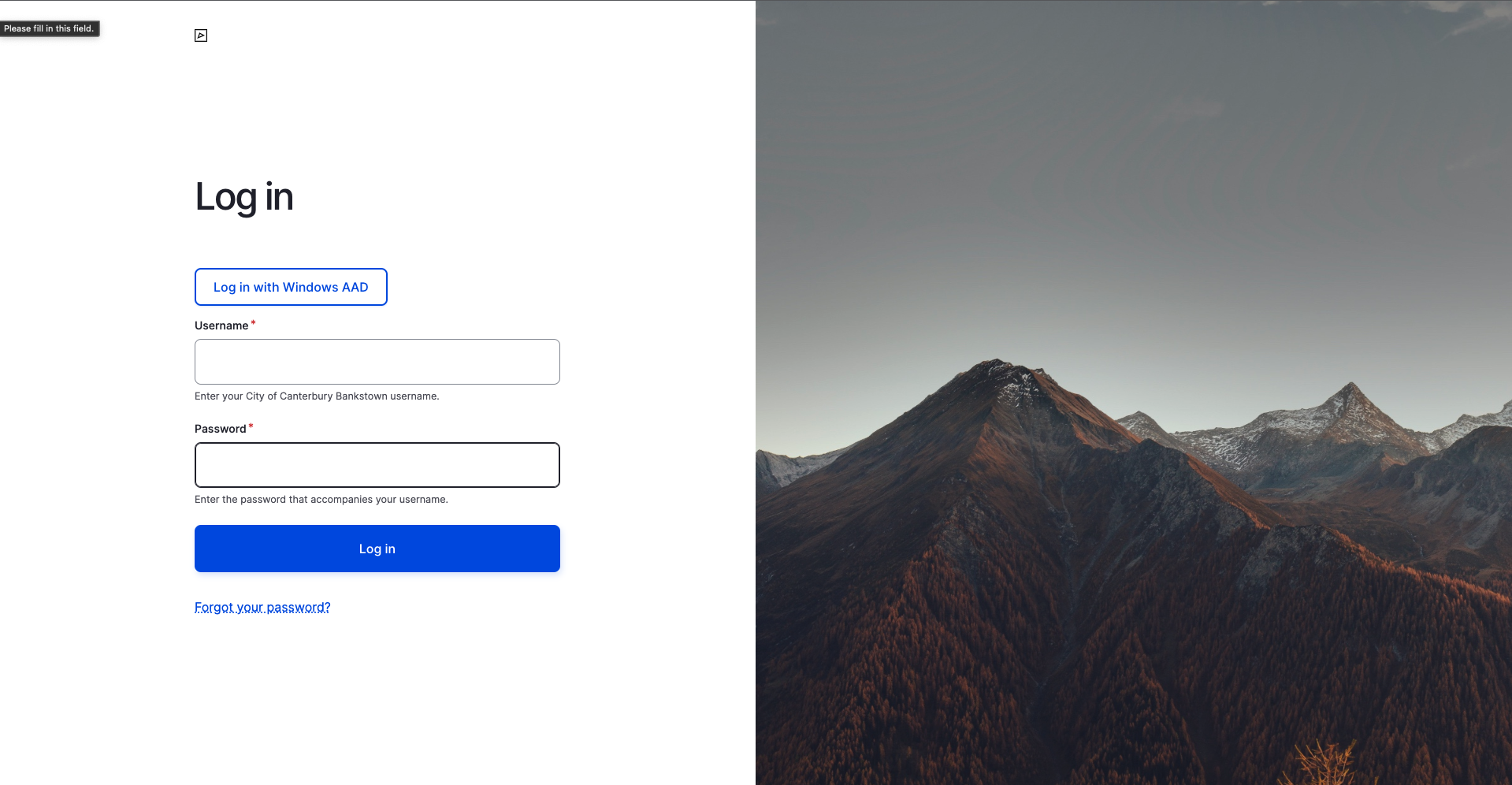
To login to Admin backend navigate to https://www-test.cbcity.nsw.gov.au/user (opens new window).
If you have access you should be able to login with your work email by clicking 'Log in with Windows AAD'.
TIP
Bookmark this page
# Terms
There's a couple of terms to get familiar with that will be used throughout this user guide.
Content Type (CT) - to put it simply, it's a type of page (E.g. News, Event, Place, Meeting etc)
Component - a building block of a content type (E.g. Text, Image, Location, Expand/Collapse etc)
This way the website consists of content types (pages) built with multiple components
# Publishing States
Draft or Needs Review - Content is saved in CMS and available for preview to Editors and Admins but not visible to general public.
Published - Visible to general public.
Archived - Generally not visible to general public. Meant for content that used to be public but is now outdated.
# Finding Content to Edit
Go to the Content page where you can filter by title, type, publishing status and more. Then click Edit on the piece of content you'd like to update.
New content can be created using Add content button at the top right corner.
TIP
You may click on an image to zoom in.
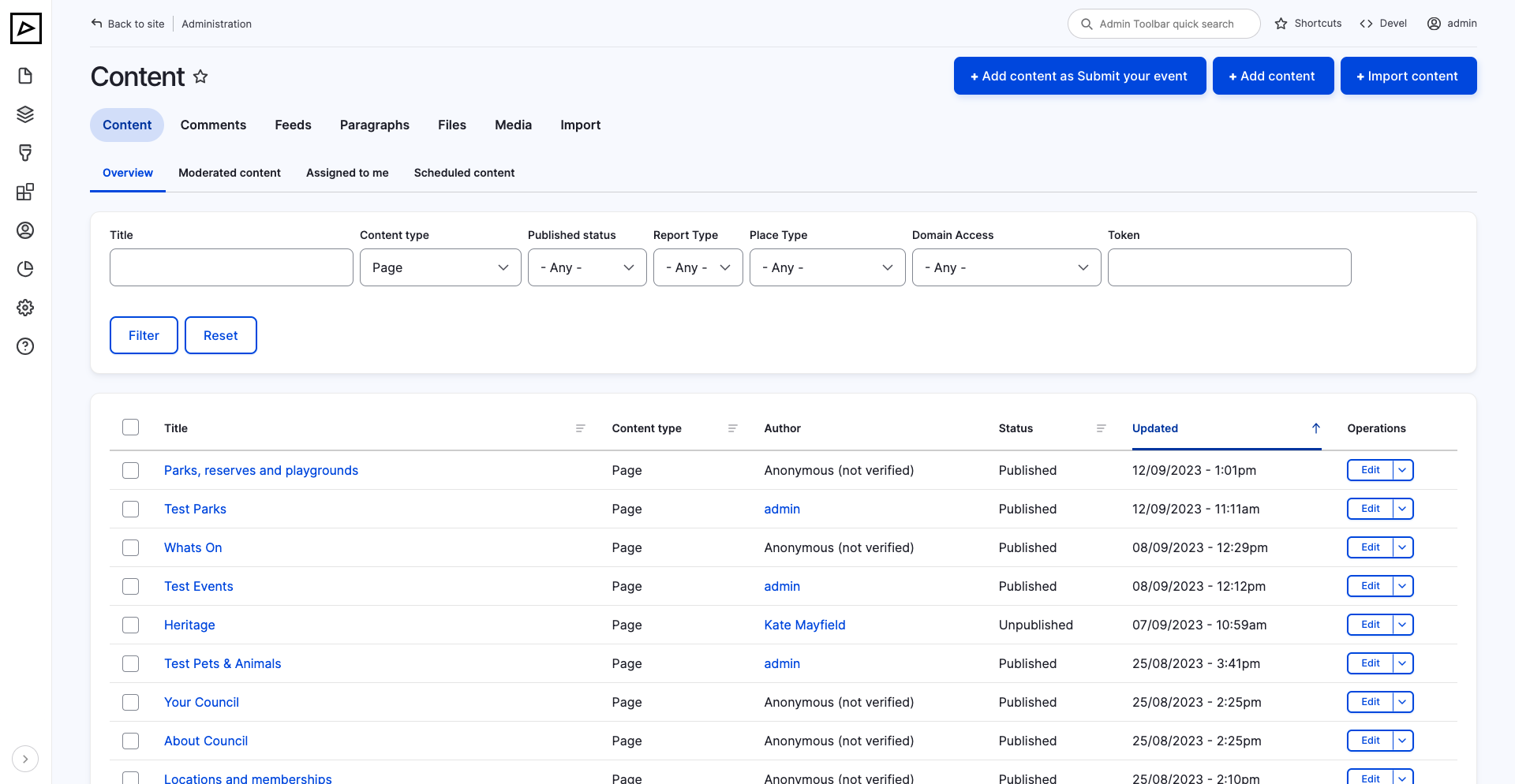
Link: https://www-test.cbcity.nsw.gov.au/admin/content (opens new window)
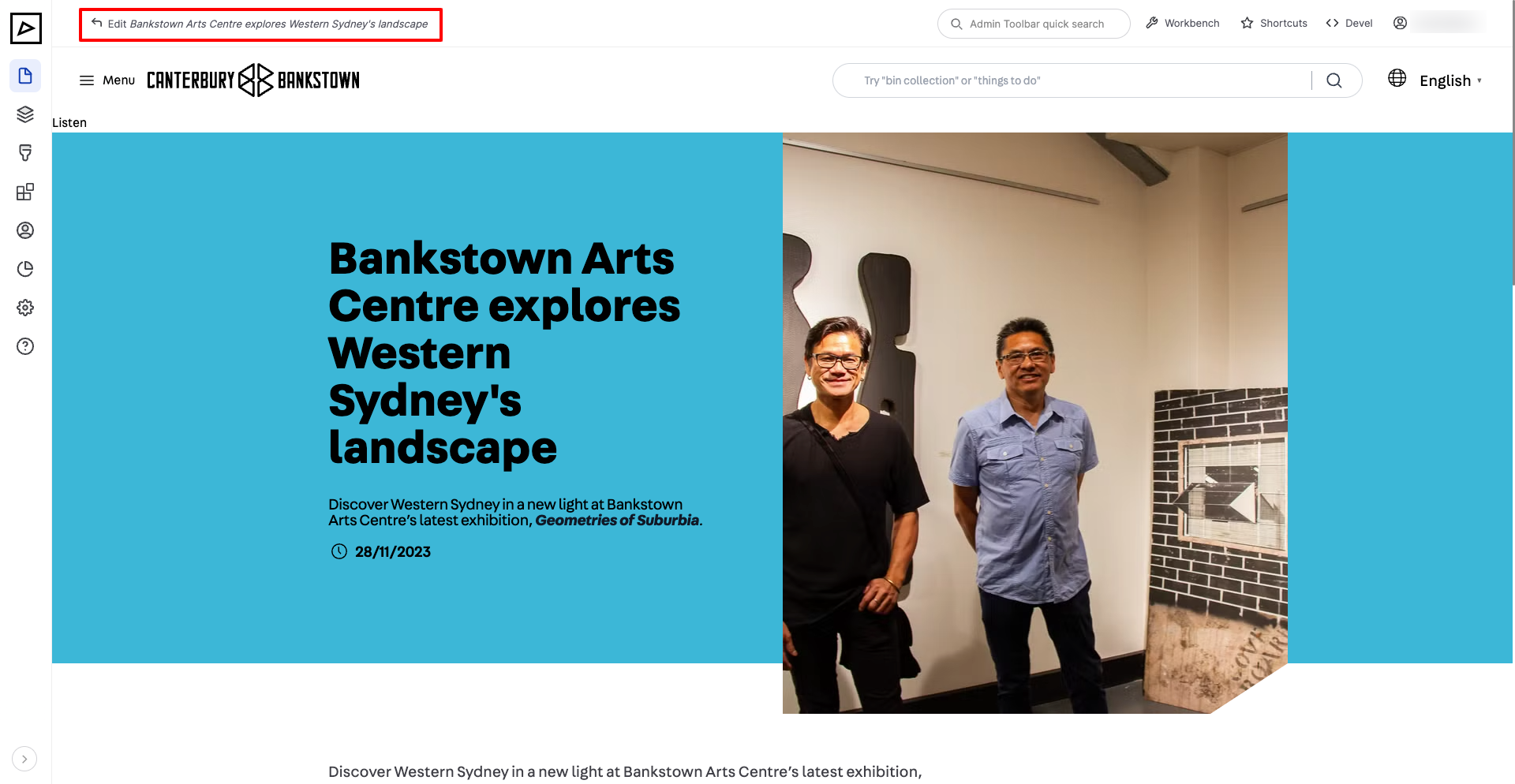
Also, when logged in, some content can be edited by clicking 'Edit' at the top left corner or by clicking pencil icon.